


Mass operations
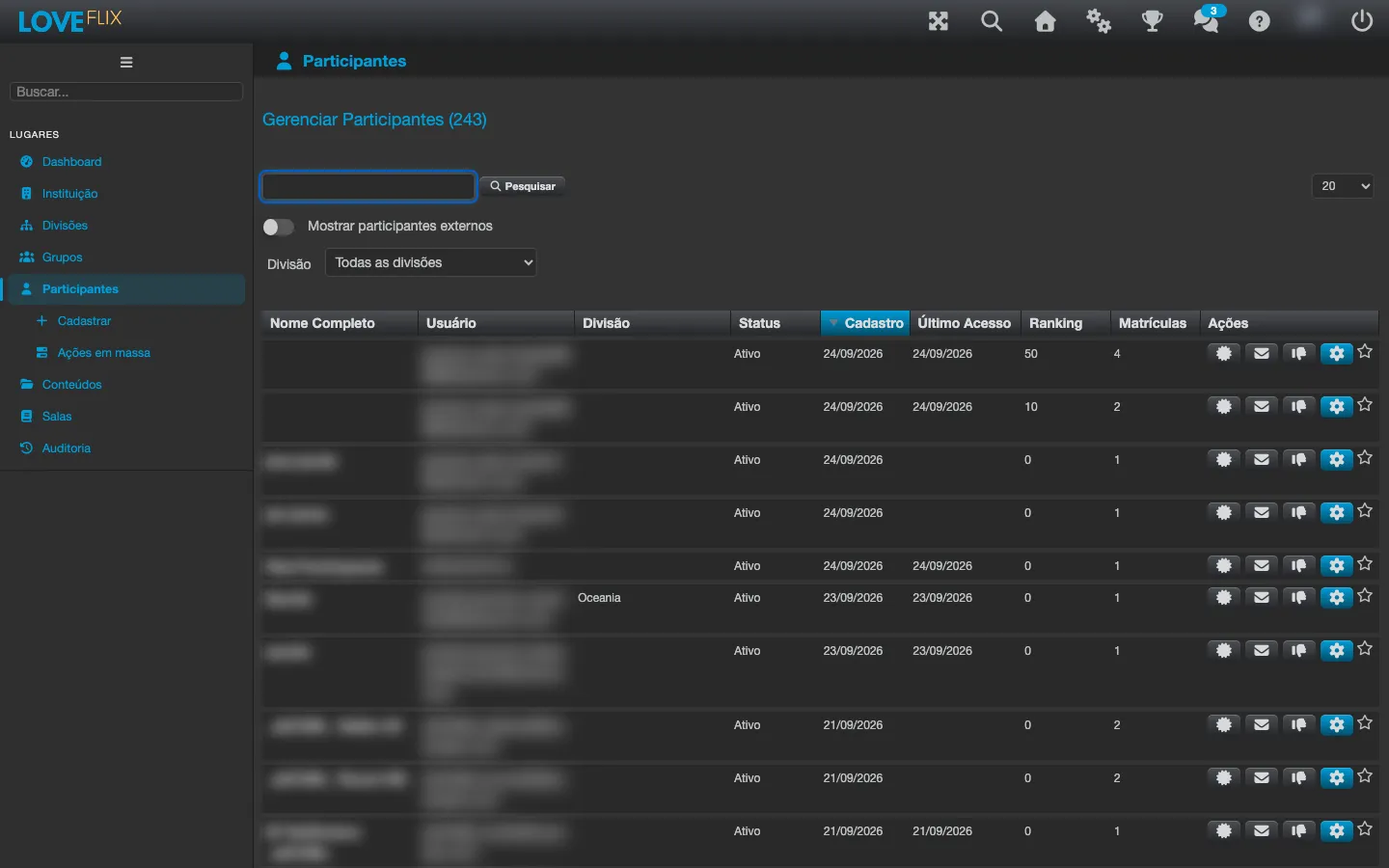
For large audiences, Eduvem offers batch paths that avoid person-by-person work. The Mass actions entry, right below Participants in the administration side menu, gathers four administrative operations: deactivate, delete, reactivate and resend the registration email in bulk. Select the participants by pasting the identifiers (username, email or CPF, one per line) or by uploading a CSV file.
Groups: the main bulk enrollment mechanism
Section titled “Groups: the main bulk enrollment mechanism”The most powerful way to enroll in volume is to use groups:
- Assigning a class to a group enrolls all current members at once.
- Adding a person to a group automatically enrolls them in all the group’s classes.
- Removing someone from the group cancels only the enrollments that group created - direct enrollments or those from other groups stay intact.
Bulk registration and enrollment
Section titled “Bulk registration and enrollment”- Import participant lists and enroll in volume through the Register wizard (Multiple and CSV File tabs), choosing the destination classes or groups in the wizard itself.
- When re-enrolling someone whose enrollment in that class was cancelled or denied, the platform reactivates the existing enrollment instead of creating another one - the original history is preserved.
- External systems can register many people at once through the integration API, with the option of keeping the valid rows and reporting only the ones with errors.
- With extended registration checked, the spreadsheet also fills in phone, city, address, postal code, date of birth, gender, country and state. Check the accepted formats under Custom registration fields before building the file: gender, date of birth, country and state are validated and a value outside the format is refused.
Mass certification
Section titled “Mass certification”The administrator can certify a group of participants directly (marking the class as completed) - useful for in-person training recorded after the fact.