


Creating users by CPF
Besides registration by email, Eduvem lets you register and authenticate participants by CPF - useful for operational audiences without a corporate email, programs with high turnover and integrations with HR systems.
How it works
Section titled “How it works”- On login, the Username field accepts email or CPF, according to the institution’s configuration.
- Registration by CPF can be done by the administrator (individually or in bulk through Mass actions) or through an integration.
- The participant’s initial password is the CPF itself. On first access, they are required to change it - unless the institution has disabled password changes by the participant, in which case the CPF remains as a fixed password.
Registering a participant by CPF
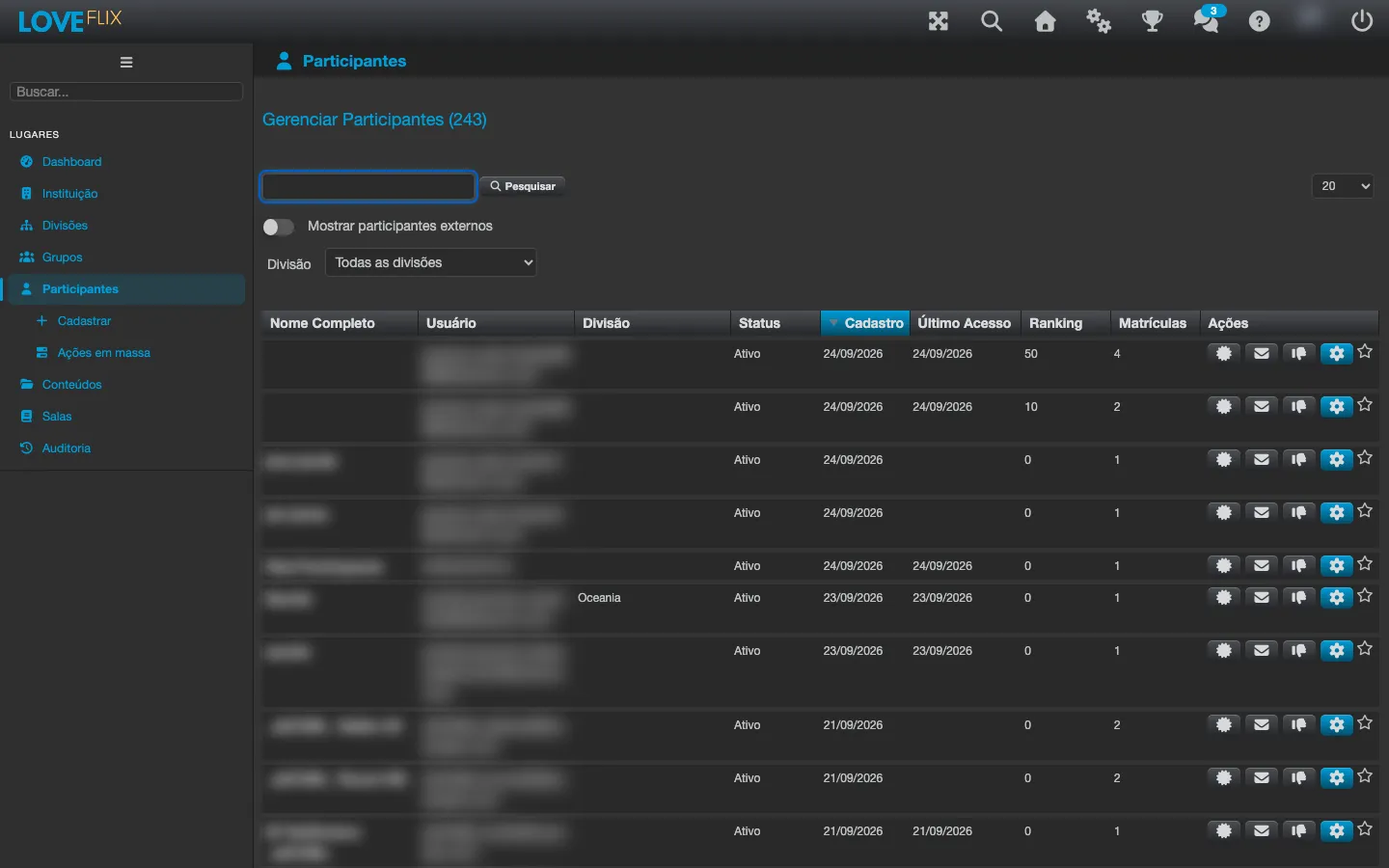
Section titled “Registering a participant by CPF”- Under Participants, click Register.
- Enter the participant’s name and CPF.
- Enroll them in the desired classes.
Best practices
Section titled “Best practices”- Standardize with the data source (HR/ERP): the CPF is a unique key within the institution; duplicate registrations usually come from manual typing.
- For large volumes, use the batch import in mass operations.