


Update my profile
Your personal data on Eduvem is gathered in your profile, reachable from the platform’s top menu (when your institution has not disabled that button).
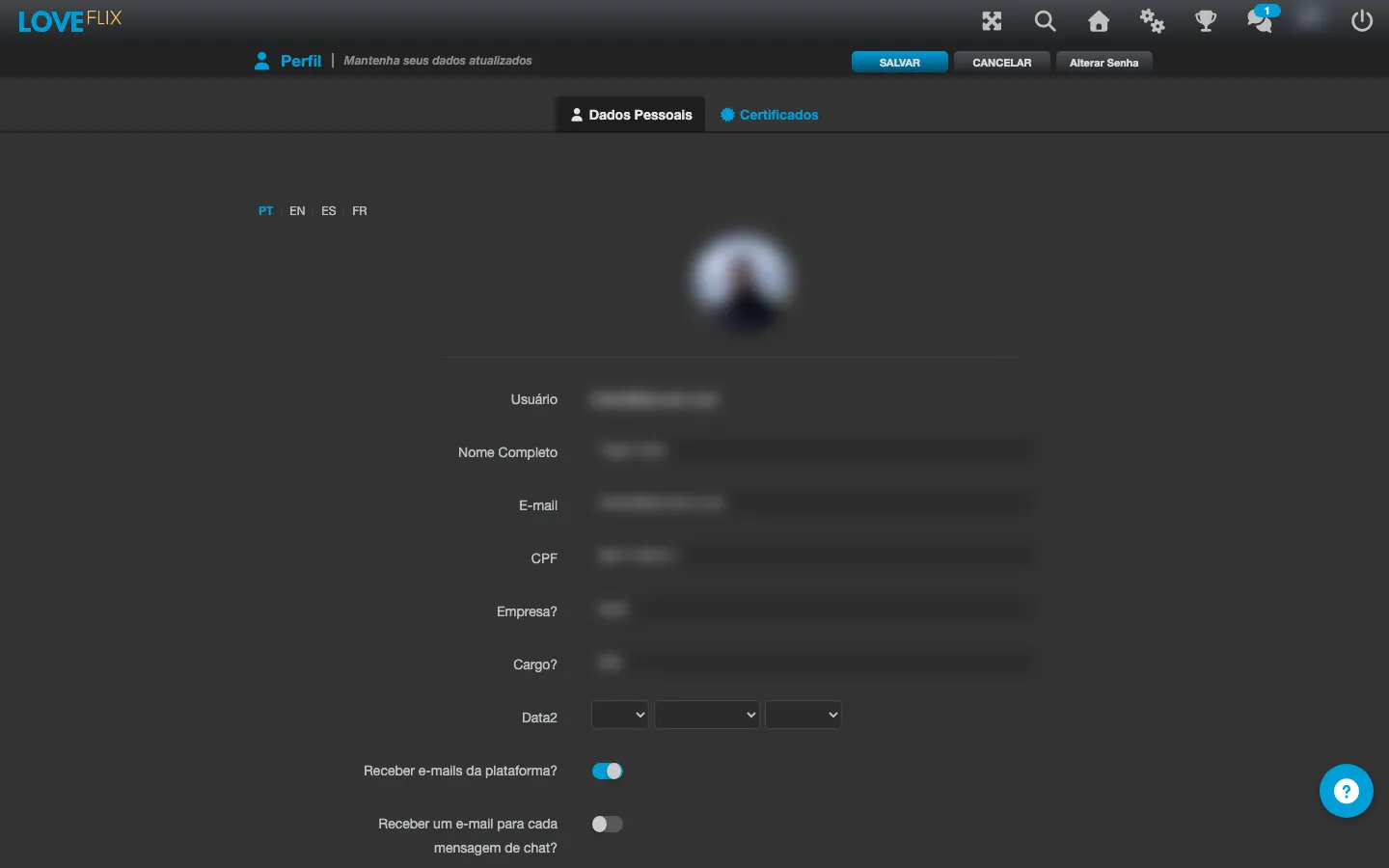
Editing your data
Section titled “Editing your data”- Open your profile from the top menu.
- On the Personal Data tab, you will find information such as full name and email, plus any other fields your institution may have configured for registration.
- Change whatever is needed and save.
Changing your password
Section titled “Changing your password”Changing your password is also done from this same screen, through the Change password button. See the full step by step (including what to do if you cannot sign in) in Reset my password.
Certificates
Section titled “Certificates”The certificates you have already earned are also in your profile, on the Certificates tab - see Issue and download certificates.