


Exams and evaluations
Many pieces of content include an evaluation (also called a knowledge assessment) along the lectures or at the end of the content. It is how your institution confirms what you have learned.
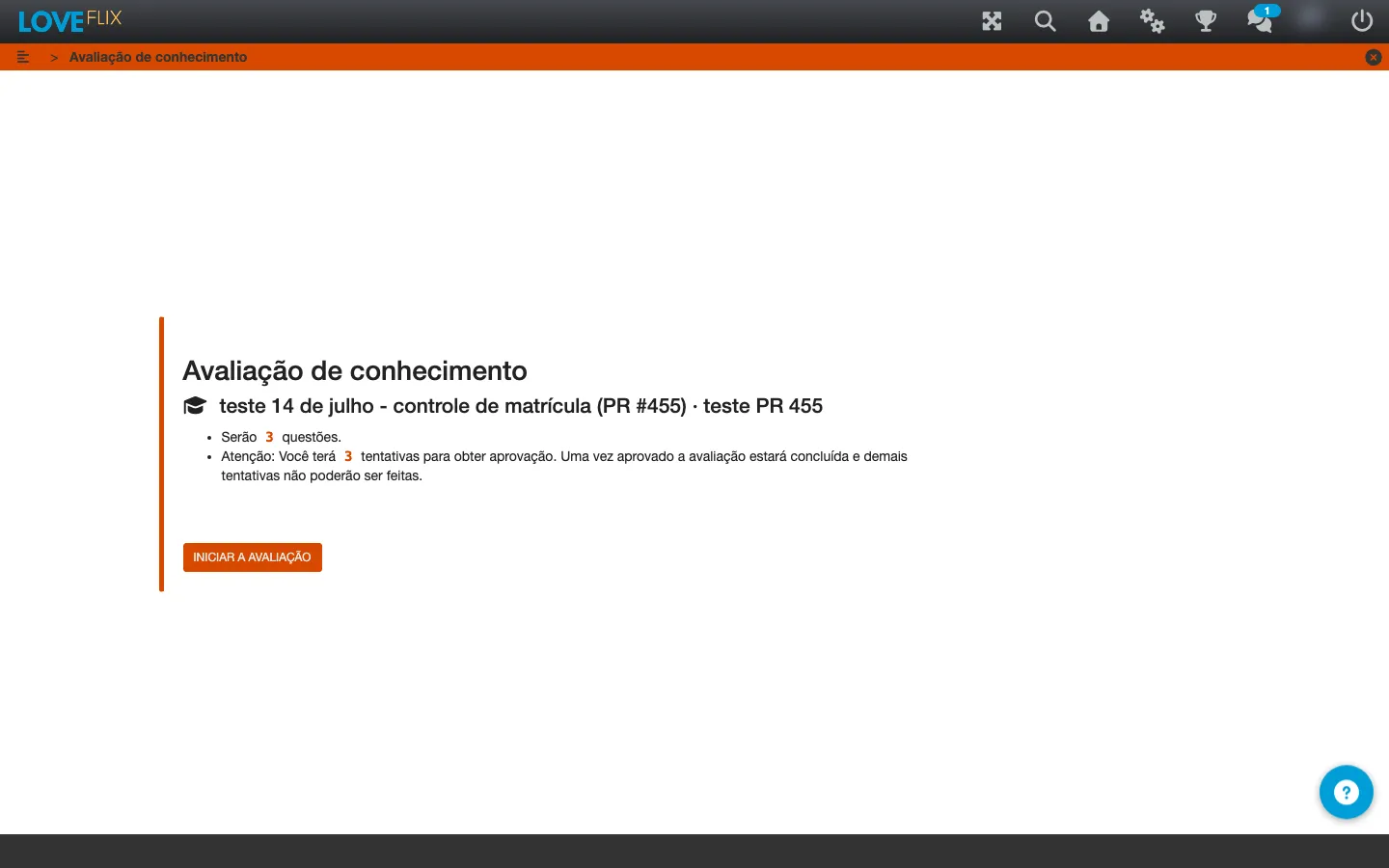
Before you start
Section titled “Before you start”When you reach an evaluation, you see the key information before starting: how many questions will be presented, the total value of the evaluation, and the minimum score required to pass. When there is a time limit or a maximum number of attempts, that also appears before you click Start the exam.
Answering
Section titled “Answering”Move through the questions as usual. In some exercises, when you validate an answer you get immediate feedback (right or wrong) before moving on to the next one. At the end, click FINISH to close the attempt.
After finishing
Section titled “After finishing”The final screen shows your score and whether you passed. In content with a certificate, passing the evaluation is usually required to release the document - see Issue and download certificates.
Besides the score, you see a message written by whoever built the content (one for those who passed, another for those who did not) and how many questions you got wrong in that attempt.
The question by question review shows what you got wrong, the explanation for each question and, when the author enabled it, the correct answer. It does not appear right after the first attempt: it becomes available when you pass or when you use all your attempts. Until then, the screen says “The question by question review becomes available once you pass or use all your attempts.”. The idea is that the next attempt keeps measuring what you know, not what you have just read.
In some evaluations the author releases the review on every attempt. In that case it appears from the first one.
If you do not pass and still have attempts available, use Redo the exam to try again. If you run out of attempts, contact the person responsible for your class to check whether another chance is possible.
Open-ended questions
Section titled “Open-ended questions”Some content asks for open-ended answers, typed in your own words. They are not graded automatically - the class administrator reviews your answers after submission.