


Library and supplementary materials
Besides the lectures, some content offers supplementary materials for download, gathered in the Library.
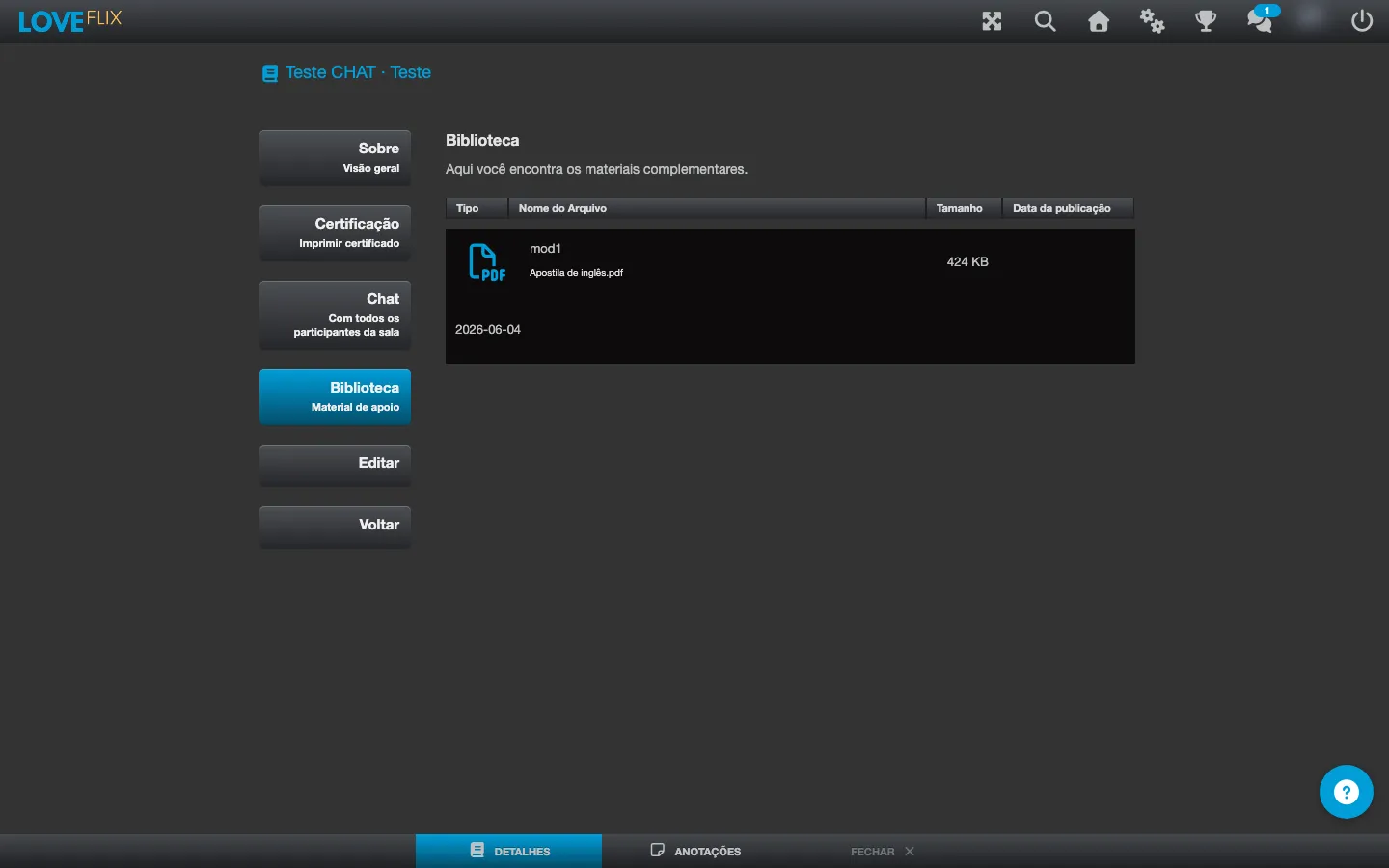
Where to find it
Section titled “Where to find it”The Library appears in two places:
- On the content details screen (before entering the class), as its own tab alongside About the course, Topics, and Certification.
- Inside the class, through the Supplementary material button, without leaving the lecture you are watching.
What you find in the list
Section titled “What you find in the list”Each listed material shows:
- Type - the file format.
- File name - identifies the material.
- Size - the download size of the file.
- Publication date - when the material was made available.
Downloading a material
Section titled “Downloading a material”Click the material you want in the list to download it. The files remain available for as long as you are enrolled in the content, so you can come back to the Library whenever you need to consult them again.