


Content repository
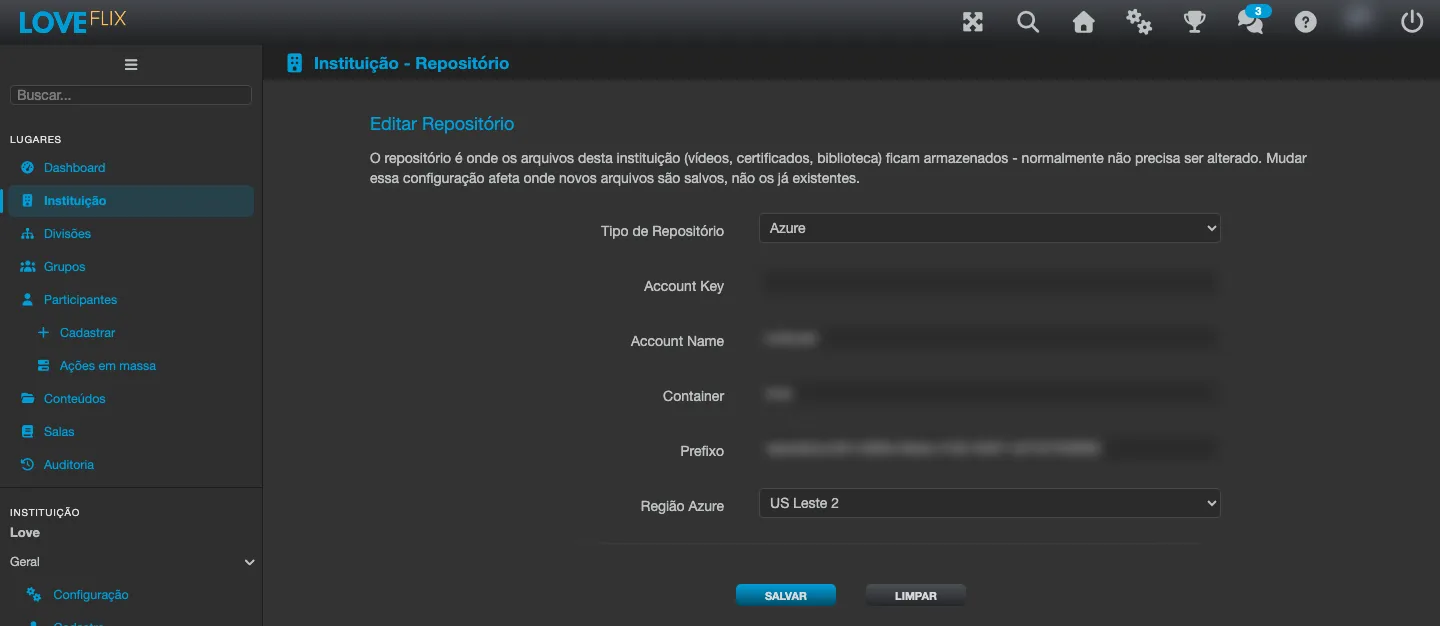
Each institution has its own content repository: the exclusive storage space where the files of your content live (videos, documents, SCORM packages, images). It is defined once, in the institution configuration - you do not choose storage per content.
Uploading large packages (SCORM)
Section titled “Uploading large packages (SCORM)”SCORM packages can be uploaded as a single ZIP file of up to 5 GB:
- The upload goes straight from your browser to the storage - keep the tab open until it finishes.
- After the upload, the platform processes the package in the background; the screen follows the progress automatically.
- The content becomes available to classes as soon as processing finishes.
Supplementary materials
Section titled “Supplementary materials”A content (or a specific class) can carry support materials, freely reorderable:
- Named sections to organize the information on the content’s page.
- Hints: highlight cards with an icon, chosen from a visual icon gallery.
- Library: reference files for download (title, description, size and type visible to the participant).
When the same type of material is defined both on the content and on a specific class, the way they combine differs by type: a class section with the same title as a content section takes precedence over it; class hints are shown after the content’s hints (the two lists add up); and class library files appear alongside the content’s.
Content shared between institutions
Section titled “Content shared between institutions”When a content is distributed from one institution to another, no file is duplicated: the participants of the receiving institution access the same materials, transparently - the content loads and behaves like any other. On content received through distribution, editing is locked (only the scoring can be adjusted locally).