


Integration API tokens
The integration API connects your organization’s systems (HR, ERP, BI) to Eduvem: automatic registration and enrollment, report extraction, certificate downloads and more. All access happens through tokens created by the administrator.
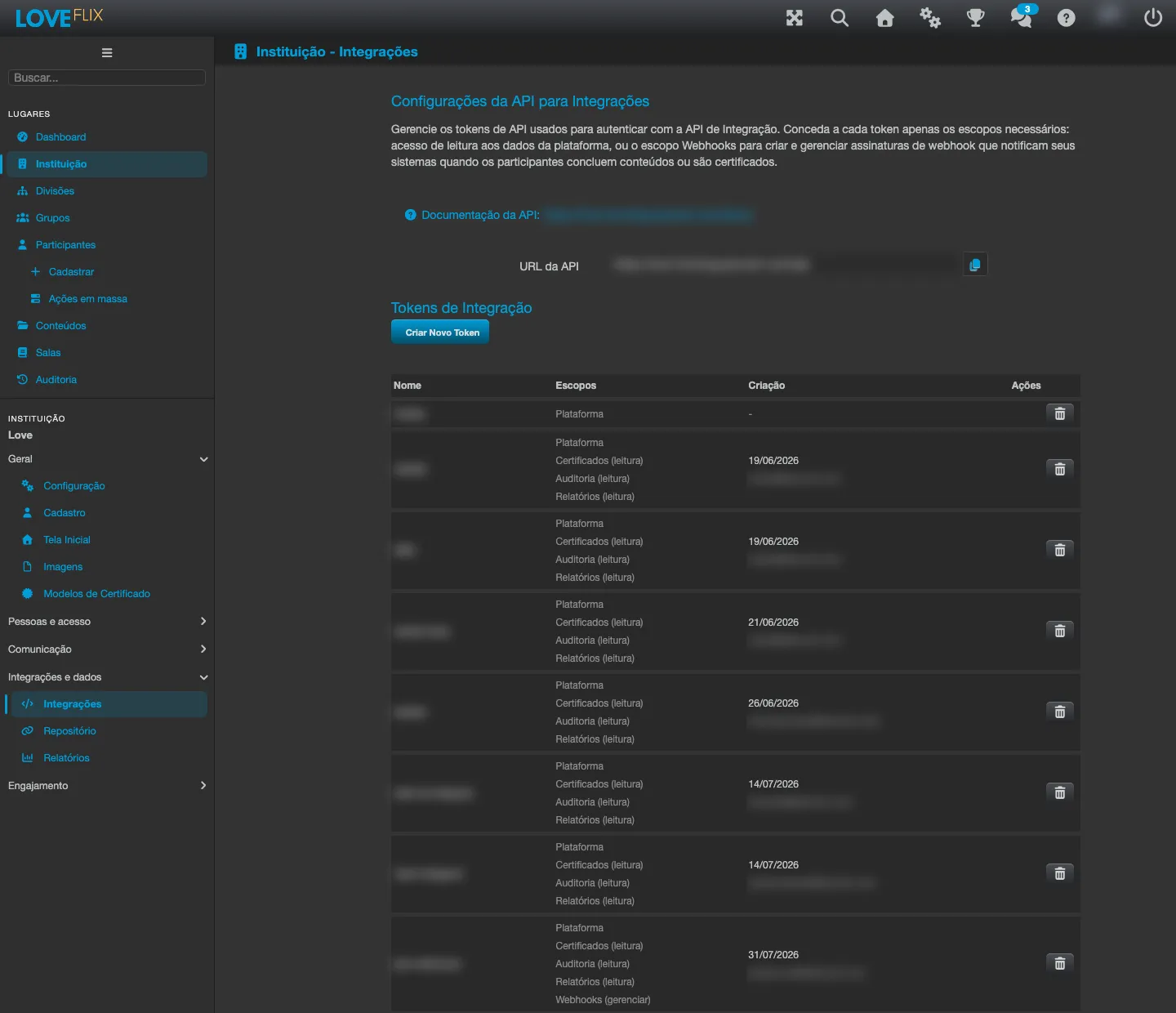
Creating and managing tokens
Section titled “Creating and managing tokens”- Create several named, independent tokens - one per integrated system is best practice. Each one can be revoked without affecting the others.
- The token value is shown only once, at creation. Store it in your organization’s secrets vault: if it’s lost, the way forward is to delete the token and create another.
- Some data requires extra permission granted on the token: certificate downloads, the enrollment audit history and the reports. Grant only what the integration actually uses.
What the integration does
Section titled “What the integration does”Registering and updating participants (individually and in bulk), managing groups and roles, enrollments and state changes (approve, deny, cancel, reactivate), listing and downloading certificates as PDF, reports (per-class summary and per-enrollment export), the catalog of classes and content, and the ranking.
On enrollment via API, the participant can be identified by email or CPF - if they don’t exist yet, the record is created automatically.
Auditing
Section titled “Auditing”Every call made through the API is logged by the platform (what, when and with which token). That log is not shown in the admin panel: if you need to know what an external system did, ask Eduvem support for the lookup, giving the token and the period.
Usage limits
Section titled “Usage limits”- Traffic is limited per institution (default budget of 1,000 requests per minute, adjustable on request).
- Heavy operations (audit/report exports and certificate downloads) have their own, smaller budget - a spike in those doesn’t block the rest of the integration.
- Listings are paginated (default 100 items per page, maximum 1,000): tell your integrators to always paginate.
- The certificates listing has a lower limit: at most 100 items per page (a larger page is refused).