


Managing groups
A group gathers participants to enroll them in bulk: assign classes to the group and the platform takes care of the enrollments automatically, in both directions.
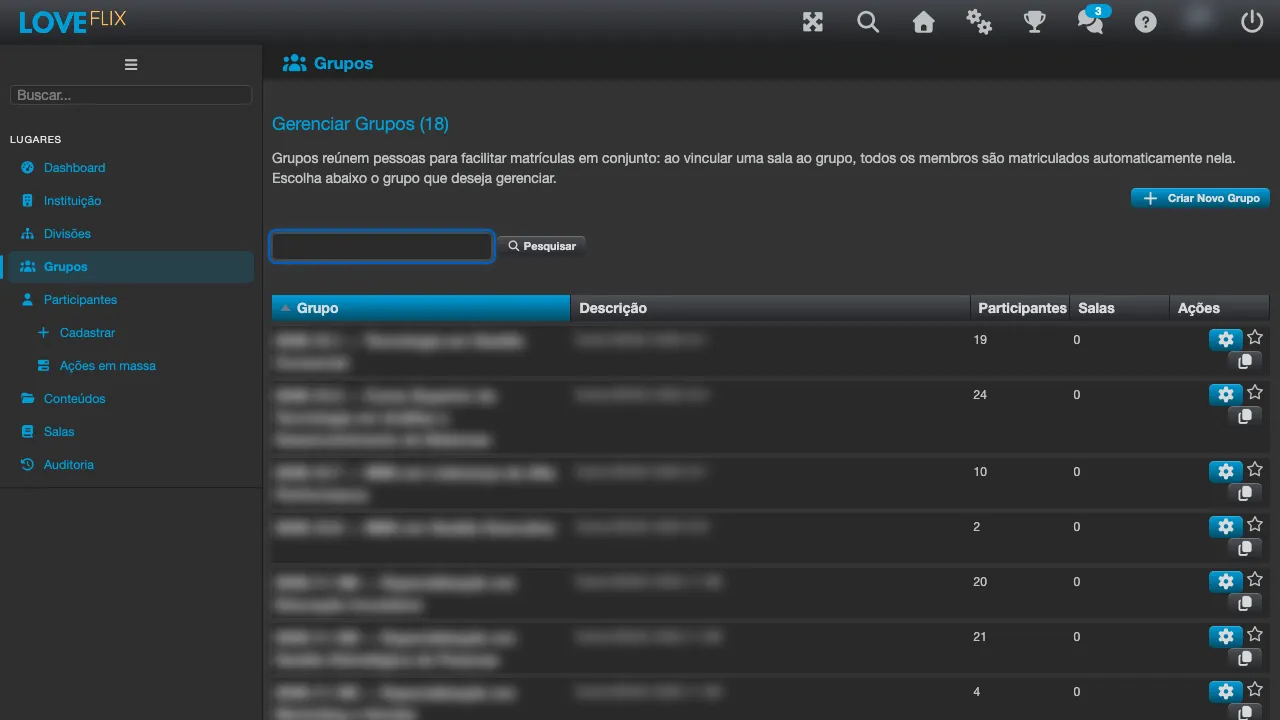
The core automation
Section titled “The core automation”- Class assigned to the group → all current members are enrolled in it.
- Person added to the group → they are enrolled in all the group’s classes.
- Person removed from the group → only the enrollments created by that group are cancelled; direct enrollments or those coming from other groups remain.
- The group name is unique within the institution.
- A group can only be deleted after all members have been removed.
- There is a special group representing all participants of the institution - it is managed by the platform and cannot be deleted.
- Depending on the institution’s configuration, each group can have its own registration link: whoever reaches the platform through that link is added to the group automatically, even before reaching the home page - without depending on the administrator.
Groups are not divisions
Section titled “Groups are not divisions”The two concepts look similar, but they solve different problems:
| Groups | Divisions | |
|---|---|---|
| What for | Enrolling audiences in bulk | Delimiting which classes a division administrator manages |
| Affects enrollments? | Yes - that is the goal | No - never enrolls anyone |
| What it organizes | Participants into audiences | Classes into administrative areas |
See Divisions for the other side of this table.
Best practices
Section titled “Best practices”- Model groups after the structure that repeats (area, job title, unit) - new hires join the right group and come out already enrolled in the essentials.
- Prefer removing from the group over cancelling enrollments one by one: the automation undoes exactly what it created.
- If that structure is already a profile field (department, job title, unit), see Audiences: joining the group happens on its own, straight from the person’s profile.