


Chat and support channels
Eduvem has a conversation system that covers everything from class small talk to support service. A conversation is born automatically on the first message - nobody needs to “create” a channel.
The conversation types
Section titled “The conversation types”| Type | Who takes part |
|---|---|
| Direct message | Two people, in private |
| Class chat | All active participants of a class (when the class chat is enabled) |
| Tutoring | Participant and tutor, within the context of the class |
| Institution support | Participant and your institution’s team |
| Platform support | Escalated to Eduvem support |
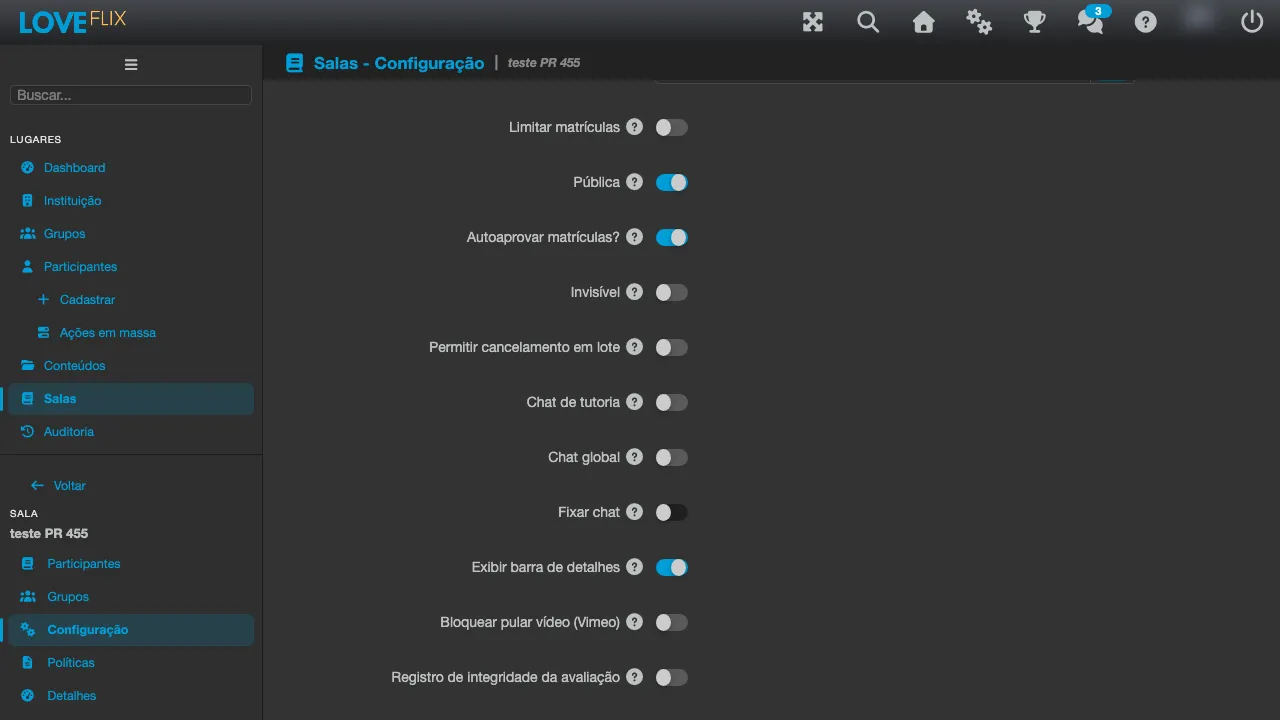
Class chat: automatic entry and exit
Section titled “Class chat: automatic entry and exit”Participation in the class chat follows the enrollment: whoever is enrolled joins the conversation, whoever is unenrolled leaves it - with no manual membership management.
Moderation and message deletion
Section titled “Moderation and message deletion”- Regular deletion: the message text is removed from the conversation (the record that a message existed remains).
- Permanent bulk deletion: available to administrators in the class chat, it removes the messages from every view - for serious moderation cases.
Best practices
Section titled “Best practices”- Enable chat in classes with active tutoring: a question answered in public saves ten individual support interactions.
- Point the participant’s help button to the right channel (institution support or chat) in the settings - see Online tutoring and discussions.