


API documentation
Every institution has its own interactive API documentation, available at /docs/ from your Eduvem’s address - for example, https://love.eduvem.com/docs/. This is the material the technical team responsible for the integration (HR, ERP, BI or any external system) will use to learn about and test the API before writing any code.
What you’ll find there
Section titled “What you’ll find there”The documentation brings together every endpoint of the integration API: accepted parameters, request and response schemas, and the scopes each call requires. The page is interactive - you can expand any endpoint, fill in the parameters and send the request straight from the browser, using a real token, with no need for Postman or any other external tool.
Where to find the link
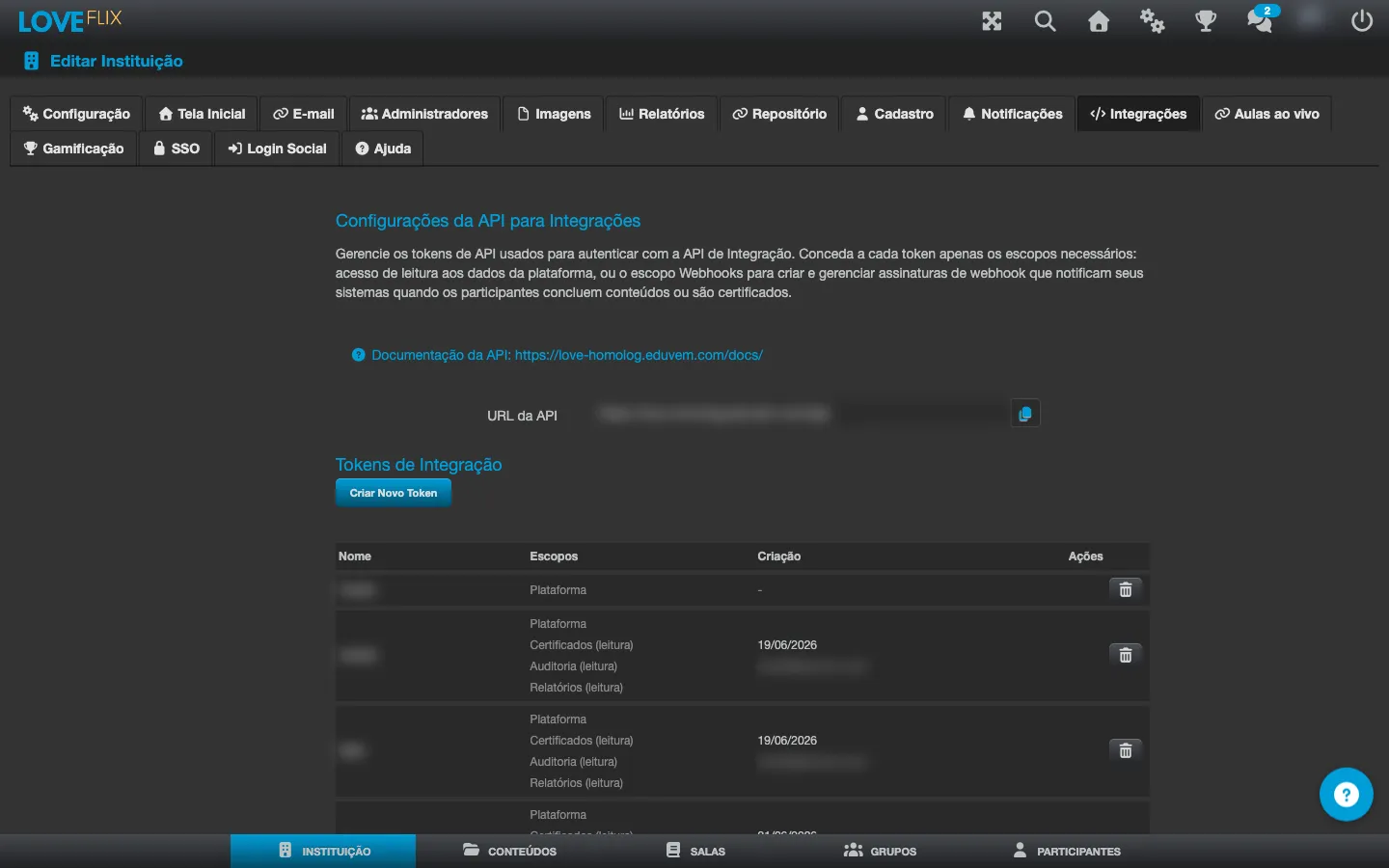
Section titled “Where to find the link”On the institution settings’ Integrations tab (Institution > Integrations), the API Configuration for Integrations section shows:
- The API Documentation link, which opens your institution’s
/docs/. - The API URL, ready to copy - the base address used in every integration call.
Authentication
Section titled “Authentication”To test a call directly in the interactive documentation - or to set up a real integration - you need a valid API token. Creating, revoking and scoping tokens is managed on the same Integrations tab: see Integration API tokens. Without a token, the documentation stays browsable and every endpoint remains visible, but the send-request button returns an authentication error.
A content’s lectures
Section titled “A content’s lectures”An integration that treats each lecture as its own task - a personal development plan in an HR system, for example - can fetch a content’s lecture list and, per enrollment, the status of each one:
GET /integrations/courseVersions/{courseVersionUUID}/lessonsreturns the read-only, ordered list of the published content’s lectures - wizard lectures grouped by module, the SCOs of a SCORM package, or the single coursebox unit.GET /integrations/enrollments/{enrollmentUUID}/lessonsreturns the same list for a specific enrollment, with each lecture’s “visited”/“completed” status and the enrollment’s overall progress.
Both calls have their own usage limit: 120 requests per minute, per institution, for each one.
Every field, scope and full example for each endpoint is in your institution’s interactive API documentation (above).