


Ranking and points
As you advance through the content, Eduvem may award points and show your position in a ranking - when your institution enables this feature.
Where to see the ranking
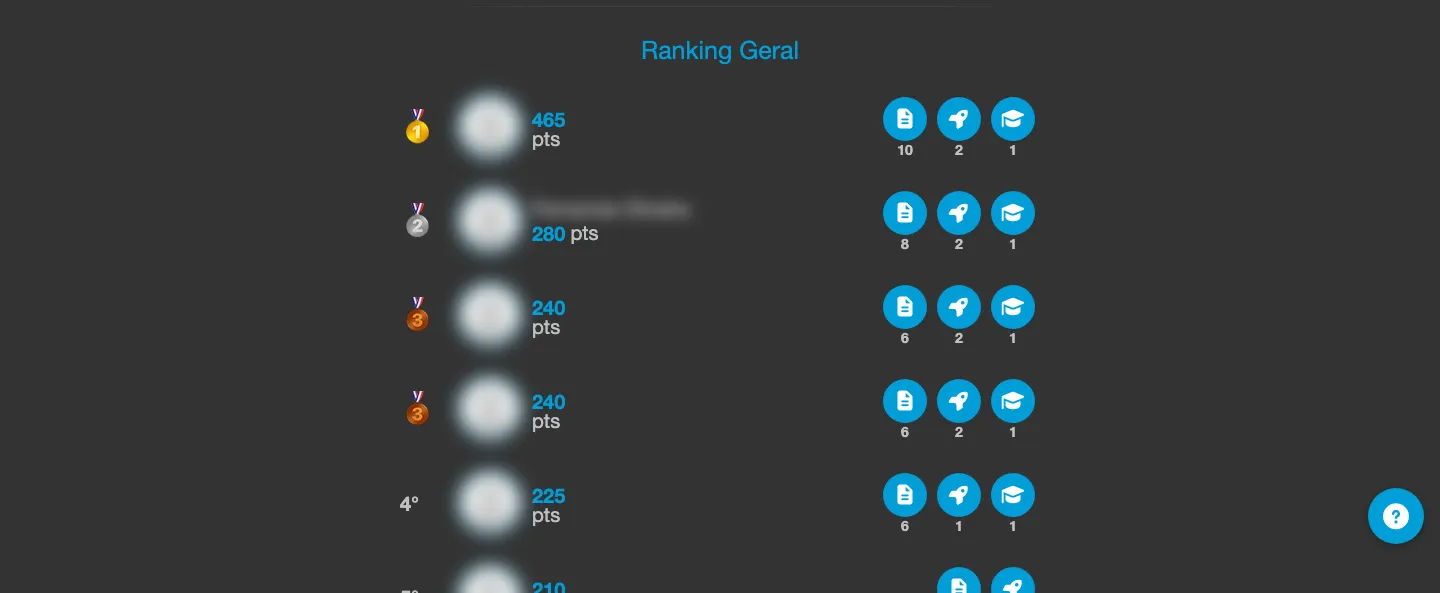
Section titled “Where to see the ranking”Use the ranking icon in the top menu to open the panel. There you will find two views:
- My Ranking - your current score and position.
- Global Ranking - the complete participant standings.
If you do not have any points yet, the screen shows a message encouraging you to explore the content to start scoring.
Ranking periods
Section titled “Ranking periods”Depending on your institution’s configuration, the ranking may be calculated per month, per year, or considering all the points ever accumulated.
Goals and challenges
Section titled “Goals and challenges”The panel may also display a Weekly goal card, showing how much is left to hit the week’s points goal, and a Track challenges card, with challenges you can complete by advancing through content tracks. When you complete certifications, hit goals, or finish challenges, you accumulate achievements that appear as badges in your ranking.
When you earn points during a piece of content, a quick notice appears on screen showing how many points you have just earned.